Cellular and Dual-Path Monitoring
Cellular is the common fit for Phoenix commercial properties because it avoids dependence on copper phone lines. A dual-path cellular and IP setup adds a second route if either connection fails.
Phoenix Fire Alarm Systems explains the main ways a fire alarm control panel can reach a staffed monitoring station: phone line, radio, cellular, internet, or a dual-path combination. The choice matters because occupancy requirements, available infrastructure, building construction, reliability, and budget can all change the best fit for a Phoenix or Salt River Valley property.
Cellular is the common fit for Phoenix commercial properties because it avoids dependence on copper phone lines. A dual-path cellular and IP setup adds a second route if either connection fails.
Occupancy, existing phone and internet service, cellular coverage, and construction all affect the choice. Steel-frame or below-grade spaces may need a signal booster, while radio performance depends on materials and repeater distance.
Confirm that the communication path is supervised, signal transmission is tested, and the connection reaches a UL listed central station that meets UL 827 requirements.
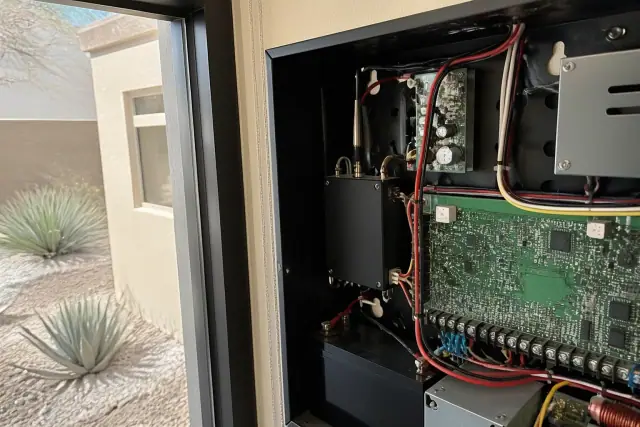
A close view of the dedicated radio module shows how cellular monitoring avoids dependence on copper phone lines.
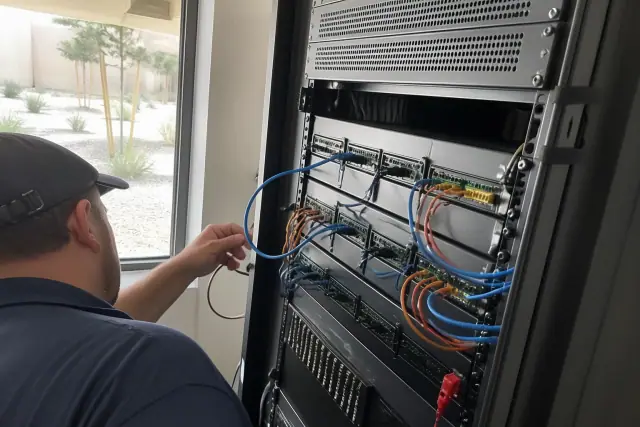
A side-by-side path diagram makes utility independence, building signal limits, and internet outage exposure easier to compare.
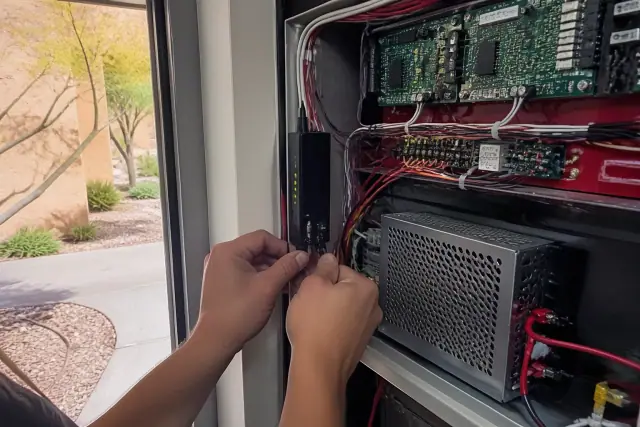
Both paths leaving the same panel, with the secondary path taking over after a primary connection failure. This illustrates why redundancy matters.
A digital alarm communicator transmitter can send signals over an analog phone line. The path is familiar and inexpensive, but aging copper infrastructure and a single cut line make it better suited as a backup than a standalone choice for new installations.
Radio sends signals over a dedicated wireless network without relying on phone or internet service. It transmits quickly, but equipment costs more upfront and a site survey should test the effects of building materials and repeater distance.
A dedicated cellular module sends panel signals independently of landlines and is not exposed to copper line theft or damage. Coverage should be checked in steel-frame and below-grade structures, where a signal booster may be needed.
IP monitoring sends data through the building's broadband connection, supports fast transmission and remote diagnostics, and may cost less monthly than cellular once installed. Because an internet outage can interrupt the path, IP is usually paired with cellular backup.
| Monitoring Path | Typical Monthly Cost | Primary Strength | Main Constraint | Practical Fit |
|---|---|---|---|---|
| Phone line (POTS) | $30-$50 | Familiar and inexpensive | Declining copper reliability | Backup path only |
| Radio (RF) | $40-$60 | Independent of phone and internet service | Equipment cost and site signal conditions | Standalone buildings |
| Cellular | $45-$70 | Fast and independent of landlines | Weak coverage in some structures | Most commercial properties |
| Internet (IP) | $35-$55 | Fast with remote diagnostics | Building internet outages | Paired with cellular backup |
Fire alarm monitoring begins when the control panel identifies an alarm, supervisory, or trouble condition and sends a coded signal over the selected path to a UL listed central station. Trained operators interpret the signal and dispatch the Phoenix Fire Department or other appropriate local fire authority, while a supervised connection reports trouble if the communication path itself fails. The draft describes signals reaching the station within seconds and calls for station connections that meet UL 827 requirements.
Occupancy classification comes first because NFPA 72 and local review can determine whether supervised or dual-path communication is required. Existing phone, internet, cellular, or radio coverage then affects feasibility, while steel-frame and below-grade spaces may need a signal booster and some sites require radio testing against repeater distance. Property scale matters too: conventional panels identify alarms by zone, networked systems combine oversight across several buildings, and large campuses with staffed security operations may use proprietary monitoring. Phoenix monsoon-related power and utility disruptions also increase the value of independent backup paths.
How much does monitoring cost, and what happens if a path fails? Commercial monitoring fees generally run $50 to $100 per month; full commercial system installation with monitoring typically ranges from $0.50 to $1.00 per square foot, annual maintenance from $300 to $800, smaller systems from $1,500 to $3,500 installed, and larger or more complex buildings can exceed $10,000. A supervised connection reports a trouble condition when its path goes down, while a dual-path setup can switch to the second method. To choose between wired and wireless options, compare occupancy requirements, existing infrastructure, signal strength, construction, and both installation and ongoing costs.
Share the occupancy type, existing panel, available phone, internet, cellular, or radio infrastructure, building construction, and budget. A site assessment can test signal strength and produce a written recommendation that explains the tradeoffs before you choose a monitoring path.